Read and display HTML file from SD card
Materials
AMB82-mini x 1
MicroSD card x 1
Example
Procedure
Using a card reader, connect the SD card to a computer and copy the HTML file into the SD card.
Note
Place HTML file in the root directory only. Do not in any folder.
Then insert the MicroSD card into the SD card slot of the ameba board.
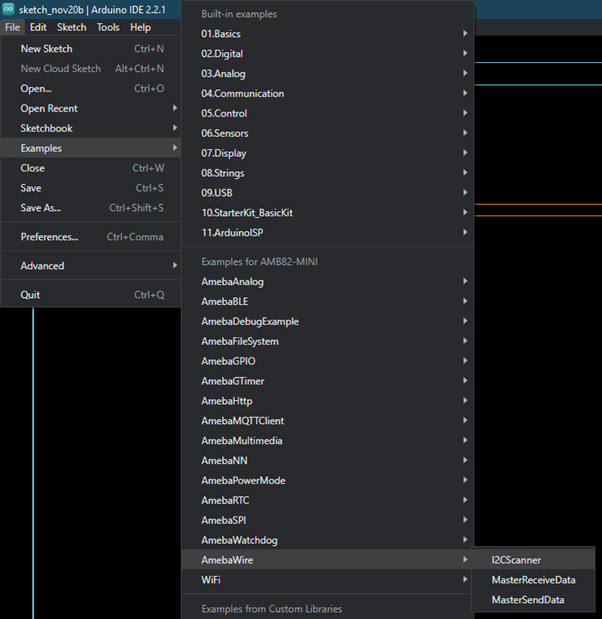
Open the example, Files -> Examples -> AmebaFileSystem -> ReadHTMLFile
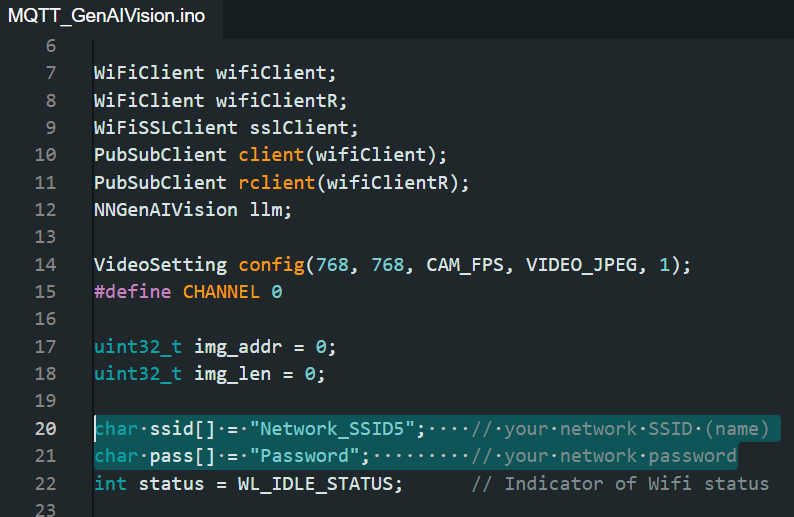
In the sample code, modify “ssid” to the WiFi SSID to be connected to and “pass” to the network password.
Upload the code and press the reset button on the board once the upload is finished.
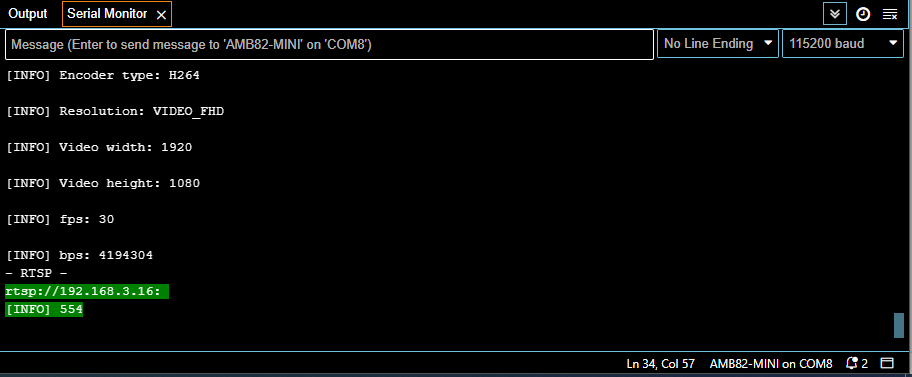
Wait for the board to connect to WiFi. When the connection is established, the message “To see this page in action, open a browser to http://xxx.xxx.xxx.xxx” will be printed in the serial monitor.
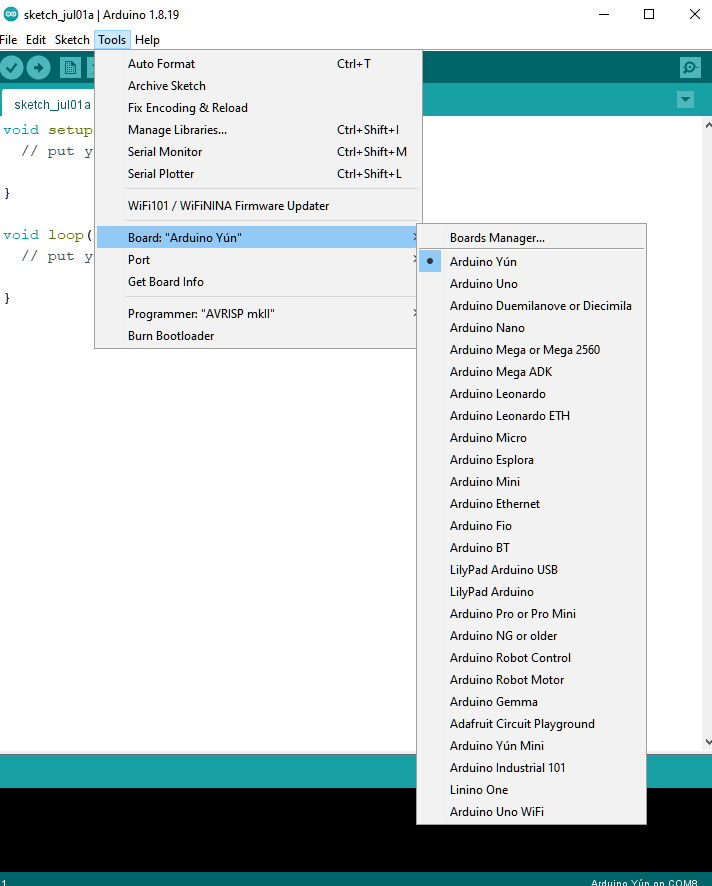
Next, on a device connected to the same network, use a web browser to open the address provided in the serial monitor. The following web page will be displayed.
Note
The device and ameba board must connect to the same network in order to access to the demo html page.